
17 KiB
Co-op Translator
Make e easy to automate an maintain translations for your educational GitHub content for plenty languages as your project dey change.










Start here: Choose your workflow | Configuration | CLI | Python API | MCP Server
🌐 Support for plenty languages
Na Co-op Translator dey support
Arabic | Bengali | Bulgarian | Burmese (Myanmar) | Chinese (Simplified) | Chinese (Traditional, Hong Kong) | Chinese (Traditional, Macau) | Chinese (Traditional, Taiwan) | Croatian | Czech | Danish | Dutch | Estonian | Finnish | French | German | Greek | Hebrew | Hindi | Hungarian | Indonesian | Italian | Japanese | Kannada | Khmer | Korean | Lithuanian | Malay | Malayalam | Marathi | Nepali | Nigerian Pidgin | Norwegian | Persian (Farsi) | Polish | Portuguese (Brazil) | Portuguese (Portugal) | Punjabi (Gurmukhi) | Romanian | Russian | Serbian (Cyrillic) | Slovak | Slovenian | Spanish | Swahili | Swedish | Tagalog (Filipino) | Tamil | Telugu | Thai | Turkish | Ukrainian | Urdu | Vietnamese
You wan clone am for your machine?
This repository get 50+ language translations wey go make the download size big well well. If you wan clone without translations, use sparse checkout:
Bash / macOS / Linux:
git clone --filter=blob:none --sparse https://github.com/Azure/co-op-translator.git
cd co-op-translator
git sparse-checkout set --no-cone '/*' '!translations' '!translated_images'
CMD (Windows):
git clone --filter=blob:none --sparse https://github.com/Azure/co-op-translator.git
cd co-op-translator
git sparse-checkout set --no-cone "/*" "!translations" "!translated_images"
This one go give you everything wey you need to complete the course with much faster download.



Overview
Co-op Translator dey help you localize your educational GitHub content into plenty languages without wahala. When you update your Markdown files, images, or notebooks, translations go dey automatically synced, so your content go remain correct an up-to-date for learners all over the world.
You fit use am from the CLI for repository translation, from the Python API for automation, or through the MCP server for agent an editor workflows.
Example of how translated content dey organized:

Why Co-op Translator?
Translating one file easy. To keep whole documentation repository translated, linked, an up to date na the gbege.
| Problem | How Co-op Translator helps |
|---|---|
| Long docs are not one prompt | Large Markdown files dem dey split into chunks, so long README no dey depend on one fragile model response. If one chunk fail, Co-op Translator fit retry an only re-chunk the part wey fail. |
| Incomplete translations should not be marked current | If translation cut short e no suppose seal as up to date. Co-op Translator dey check translation integrity before e save, an fit detect translations wey no complete structurally. |
| Links should match the translated repo structure | Manual translations dey often leave relative links wey still point back to the source tree. Co-op Translator go rewrite Markdown, notebook, image, an README links to match the translations/<lang>/... structure. |
| Translation should work across an entire repo | Co-op Translator dey handle README files, docs, notebooks, an image text as one repository workflow, no be translate files one-by-one. |
| Maintaining translations matters more than creating them once | Source hashes an translation metadata make Co-op Translator fit find outdated files, skip files wey never change, an keep translated content synchronized as the source repo dey evolve. |
How translation state is managed
Co-op Translator dey manage translated content as versioned software artifacts,
no be as static files.
The tool dey track the state of translated Markdown, images, and notebooks using language-scoped metadata.
This design make Co-op Translator fit:
- Reliably detect outdated translations
- Treat Markdown, images, and notebooks the same way
- Scale safely across big, fast-moving, multi-language repositories
By modeling translations as managed artifacts, translation workflows go align naturally with modern software dependency an artifact management practices.
→ How dem dey manage translation state
Related deep dives
Get Started
You fit use Co-op Translator from the CLI, the Python API, or the MCP server. Start with the workflow guide if you dey choose between local translation, automation, CI, and agent/editor integration.
- Choose your workflow
- Configure credentials
- Translate from the CLI
- Automate with the Python API
- Connect with the MCP Server
- Run in GitHub Actions
Minimal CLI example after configuration:
python -m venv .venv
# Windows
.venv\Scripts\activate
# macOS/Linux
source .venv/bin/activate

pip install co-op-translator
translate -l "ko" -md
co-op-review -l "ko"
For first runs on big repositories, use --dry-run before you write translated files. See the CLI Reference for content type flags, logs, review, and link migration.
Container quick run with Bash/Zsh:
docker run --rm -it --env-file .env -v "${PWD}:/work" ghcr.io/azure/co-op-translator:latest -l "ko" -md
Container quick run with PowerShell:
docker run --rm -it --env-file .env -v ${PWD}:/work ghcr.io/azure/co-op-translator:latest -l "ko" -md
Features
- Automated translation for Markdown, notebooks, and images
- Keeps translations in sync with source changes
- Works locally (CLI) or in CI (GitHub Actions)
- Exposes Markdown, notebook, image, review, and project translation tools through MCP
- Uses Azure OpenAI or OpenAI for provider-backed translation
- Lets MCP host agents translate Markdown and notebook chunks without Co-op Translator LLM credentials
- Uses Azure AI Vision for image text extraction and translation
- Reviews translation structure and freshness with deterministic checks
- Preserves Markdown formatting and structure
Docs
- Documentation site
- Choose your workflow
- Configuration
- Azure AI Setup
- CLI Reference
- Python API
- MCP Server
- GitHub Actions
- README languages template
- Supported languages
- Contributing
- Troubleshooting
Microsoft-specific guide
Note
For maintainers of the Microsoft “For Beginners” repositories only.
Support us and foster global learning
Make join us change how educational content dey shared for the world! Give Co-op Translator one ⭐ for GitHub an support our mission to break language barrier for learning an technology. Your interest an contributions dey make big difference! Code contributions an feature suggestions dey welcome anytime.
Explore Microsoft educational content in your language
- LangChain4j-for-Beginners
- AZD for Beginners
- Edge AI for Beginners
- Model Context Protocol (MCP) For Beginners
- AI Agents for Beginners
- Generative AI for Beginners using .NET
- Generative AI for Beginners
- Generative AI for Beginners using Java
- ML for Beginners
- Data Science for Beginners
- AI for Beginners
- Cybersecurity for Beginners
- Web Dev for Beginners
- IoT for Beginners
- PhiCookBook
Video presentations
👉 Make you click di image wey dey under to watch for YouTube.
-
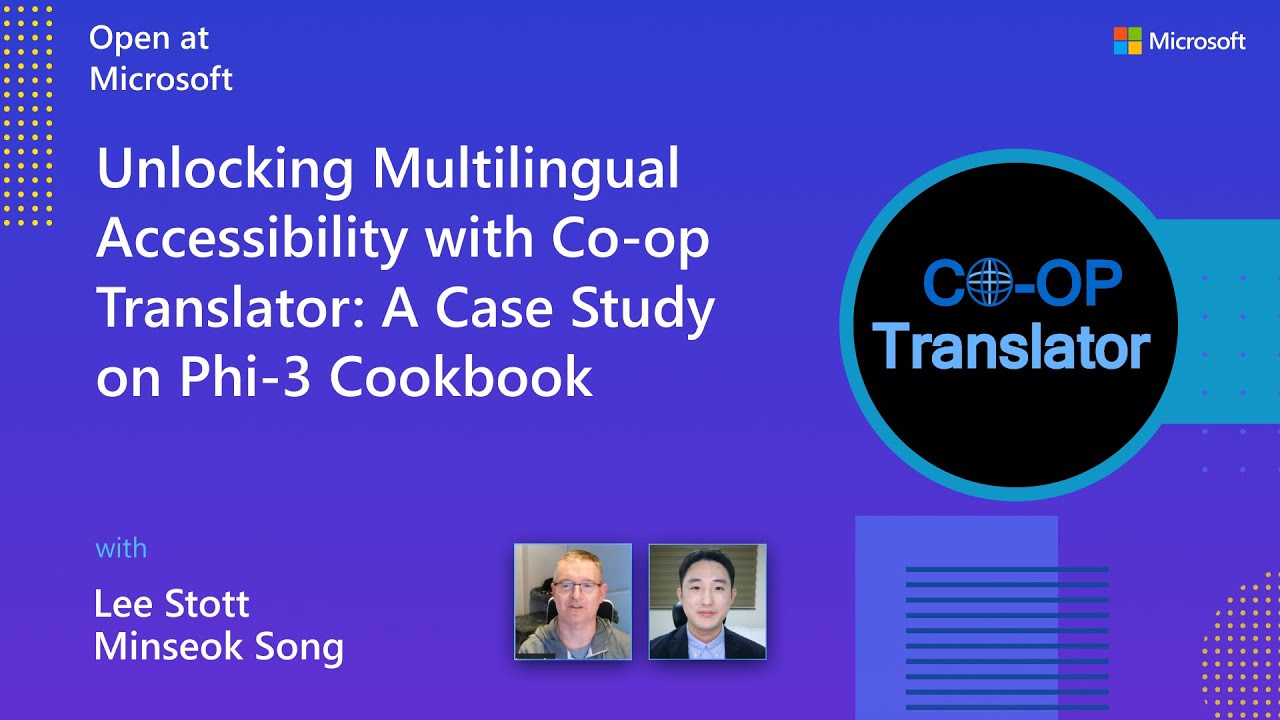
Open at Microsoft: Small 18-minute intro and quick guide wey show how you go take use Co-op Translator.
Contributing
Dis project dey welcome contributions and suggestions. You dey interested to contribute to Azure Co-op Translator? Abeg check our CONTRIBUTING.md for di guidelines wey go show how you fit help make Co-op Translator easier for people to use.
Contributors
Code of Conduct
Dis project don adopt di Microsoft Open Source Code of Conduct. For more information, check di Code of Conduct FAQ or hala opencode@microsoft.com if you get any extra questions or comments.
Responsible AI
Microsoft dey committed to help customers use our AI products responsibly, to share wetin we learn, and to build trust through tools like Transparency Notes and Impact Assessments. Plenti of dem resources dey available for https://aka.ms/RAI. Microsoft approach to responsible AI base for our AI principles: fairness, reliability and safety, privacy and security, inclusiveness, transparency, and accountability.
Big natural language, image, and speech models — like di ones wey dey used for dis sample — fit behave in ways wey no fair, wey no reliable, or wey fit offend people, and fit cause harm. Abeg read di Azure OpenAI service Transparency note make you sabi di risks and limits.
Di recommended way to reduce dis kain risks na to put safety system for your architecture wey fit detect and stop harmful behaviour. Azure AI Content Safety dey provide independent level of protection wey fit detect harmful user-generated and AI-generated content for apps and services. Azure AI Content Safety get text and image APIs wey allow you to detect materials wey harmful. We still get interactive Content Safety Studio wey allow you view, explore and try sample code for detecting harmful content across different modalities. Dis quickstart documentation go guide you on how to make requests to the service.
Another thing to consider na overall application performance. For multi-modal and multi-model applications, performance mean say di system go do wetin you and your users dey expect, including make e no produce harmful outputs. E important make you assess the performance of your whole application using generation quality and risk and safety metrics.
You fit evaluate your AI app for your development environment using di prompt flow SDK. If you get test dataset or target, your generative AI application generations go dey measured quantitatively with built-in evaluators or custom evaluators wey you choose. To start with prompt flow sdk to evaluate your system, follow di quickstart guide. After you run evaluation, you fit visualize di results for Azure AI Studio.
Trademarks
Dis project fit get trademarks or logos for different projects, products, or services. Authorized use of Microsoft trademarks or logos must follow Microsoft's Trademark & Brand Guidelines. If you modify dis project and use Microsoft trademarks or logos, make sure e no go cause confusion or make people think Microsoft dey sponsor am. Any use of third-party trademarks or logos dey subject to di policies of those third parties.
Getting Help
If you jam problem or get question about building AI apps, join:
If you get product feedback or errors while you dey build, visit:
