
17 KiB
Co-op Translator
當你的專案演進時,輕鬆自動化並維護你在 GitHub 的教學內容於多種語言的翻譯。










開始於此: 選擇你的工作流程 | 設定 | CLI | Python API | MCP 伺服器
🌐 多語支援
由 Co-op Translator 支援
阿拉伯文 | 孟加拉語 | 保加利亞文 | 緬甸文(緬甸) | 中文(簡體) | 中文(繁體,香港) | 中文(繁體,澳門) | 中文(繁體,台灣) | 克羅地亞文 | 捷克文 | 丹麥文 | 荷蘭文 | 愛沙尼亞文 | 芬蘭文 | 法文 | 德文 | 希臘文 | 希伯來文 | 印地語 | 匈牙利文 | 印尼語 | 意大利文 | 日文 | 卡納達語 | 高棉語 | 韓文 | 立陶宛文 | 馬來文 | 馬拉雅拉姆語 | 馬拉地語 | 尼泊爾語 | 尼日利亞皮欽語 | 挪威文 | 波斯文(法爾西) | 波蘭文 | 葡萄牙文(巴西) | 葡萄牙文(葡萄牙) | 旁遮普語(Gurmukhi) | 羅馬尼亞文 | 俄文 | 塞爾維亞文(西里爾字母) | 斯洛伐克文 | 斯洛文尼亞文 | 西班牙文 | 斯瓦希里語 | 瑞典文 | 他加祿語(菲律賓) | 泰米爾語 | 泰盧固語 | 泰文 | 土耳其文 | 烏克蘭文 | 烏爾都語 | 越南文
想在本地克隆嗎?
這個倉庫包含超過 50 種語言的翻譯,會大幅增加下載大小。若要在不下載翻譯的情況下克隆,請使用 sparse checkout:
Bash / macOS / Linux:
git clone --filter=blob:none --sparse https://github.com/Azure/co-op-translator.git
cd co-op-translator
git sparse-checkout set --no-cone '/*' '!translations' '!translated_images'
CMD (Windows):
git clone --filter=blob:none --sparse https://github.com/Azure/co-op-translator.git
cd co-op-translator
git sparse-checkout set --no-cone "/*" "!translations" "!translated_images"
這樣就能以更快的下載速度取得完成課程所需的一切。



概覽
Co-op Translator 幫助你輕鬆將 GitHub 上的教學內容在多種語言中在地化。當你更新 Markdown 檔案、圖片或 notebook 時,翻譯會自動同步,確保你的內容對全球學習者而言保持準確且為最新。
可從 CLI 操作以翻譯倉庫、透過 Python API 以自動化,或透過 MCP 伺服器用於 agent 與編輯器工作流程。
Example of how translated content is organized:

為何使用 Co-op Translator?
翻譯單一檔案很容易。難的是維持整個文件倉庫的翻譯、連結與更新。
| 問題 | Co-op Translator 如何協助 |
|---|---|
| 長文件不是一個 prompt | 大型 Markdown 檔會被拆成區塊,因此冗長的 README 不會依賴單一脆弱的模型回應。如果某個區塊失敗,Co-op Translator 可以重試並只重新分塊失敗的部分。 |
| 不完整的翻譯不應被標示為當前版本 | 截斷(不完整)的翻譯絕不應被標記為最新。Co-op Translator 在儲存前會檢查翻譯完整性,並能偵測結構上不完整的既有翻譯。 |
| 連結應符合翻譯後的倉庫結構 | 手動翻譯常會留下相對連結指回原始樹。Co-op Translator 會重寫 Markdown、notebook、圖片與 README 的連結,以符合 translations/<lang>/... 結構。 |
| 翻譯應適用於整個倉庫 | Co-op Translator 將 README、文件、notebook 與圖片文字視為同一倉庫工作流程的一部分,而非逐一翻譯檔案。 |
| 維護翻譯比只翻譯一次更重要 | 原始檔雜湊與翻譯的 metadata 讓 Co-op Translator 能找出過時的檔案、跳過未更動的檔案,並在原始倉庫演進時保持翻譯內容同步。 |
如何管理翻譯狀態
Co-op Translator 將翻譯內容當作 有版本管理的軟體產物,
而非靜態檔案。
該工具使用 語言範圍的 metadata 來追蹤翻譯的 Markdown、圖片與 notebook 的狀態。
此設計讓 Co-op Translator 能夠:
- 可靠地偵測過時的翻譯
- 對 Markdown、圖片與 notebook 採取一致處理
- 安全地擴展至大型、快速變動且多語的倉庫
透過將翻譯建模為受管理的產物,翻譯工作流程能自然地與現代軟體相依性與產物管理實務對齊。
→ 如何管理翻譯狀態
相關深入文章
開始使用
Co-op Translator 可從 CLI、Python API 或 MCP 伺服器使用。如果你在本地翻譯、自動化、CI 與 agent/編輯器整合之間選擇,請先從工作流程指南開始。
設定完成後的最小 CLI 範例:
python -m venv .venv
# Windows 作業系統
.venv\Scripts\activate
# macOS/Linux 作業系統
source .venv/bin/activate

pip install co-op-translator
translate -l "ko" -md
co-op-review -l "ko"
對於大型倉庫的首次運行,請在寫入翻譯檔案前使用 --dry-run。有關內容類型旗標、日誌、審查與連結遷移,請參閱 CLI 參考。
容器快速運行(Bash/Zsh):
docker run --rm -it --env-file .env -v "${PWD}:/work" ghcr.io/azure/co-op-translator:latest -l "ko" -md
容器快速運行(PowerShell):
docker run --rm -it --env-file .env -v ${PWD}:/work ghcr.io/azure/co-op-translator:latest -l "ko" -md
功能
- 自動翻譯 Markdown、notebook 與圖片
- 將翻譯與原始變更保持同步
- 可在本地 (CLI) 或 CI (GitHub Actions) 使用
- 透過 MCP 提供 Markdown、notebook、圖片、審查與專案翻譯工具
- 使用 Azure OpenAI 或 OpenAI 作為提供者支援翻譯
- 讓 MCP 主機代理在無需 Co-op Translator LLM 認證的情況下翻譯 Markdown 與 notebook 區塊
- 使用 Azure AI Vision 擷取圖片文字並進行翻譯
- 透過決定性檢查審核翻譯的結構與新鮮度
- 保留 Markdown 的格式與結構
文件
Microsoft 專用指南
Note
僅適用於 Microsoft “For Beginners” 儲存庫的維護者。
支持我們並促進全球學習
加入我們,一起革新教育內容的全球共享方式!在 GitHub 上給 Co-op Translator 一顆 ⭐,支持我們打破學習與科技中的語言障礙的使命。你的關注與貢獻將帶來重大影響!程式碼貢獻與功能建議隨時歡迎。
以你的語言探索 Microsoft 的教育內容
- LangChain4j 入門
- AZD 入門
- Edge AI 入門
- Model Context Protocol (MCP) 入門
- AI 代理入門
- .NET 的生成式 AI 入門
- 生成式 AI 入門
- 使用 Java 的生成式 AI 入門
- 機器學習入門
- 資料科學入門
- AI 入門
- 網絡安全入門
- 網頁開發入門
- 物聯網入門
- PhiCookBook
影片簡報
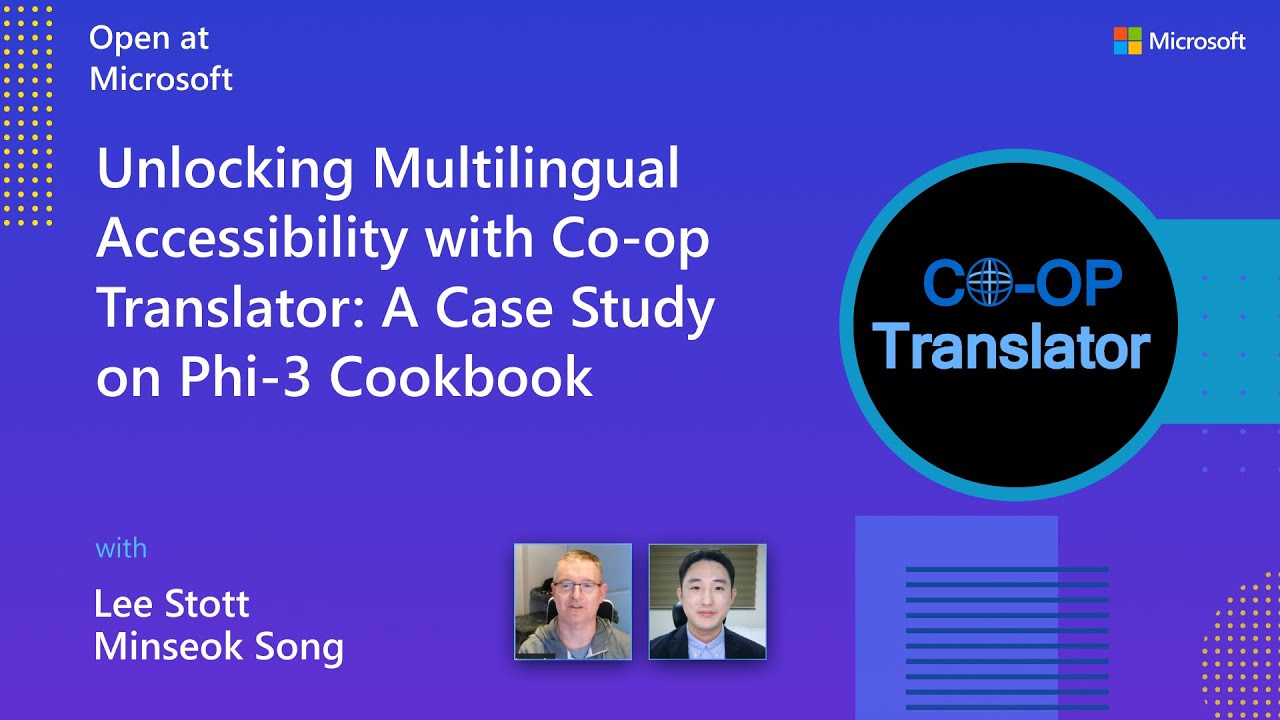
👉 Click the image below to watch on YouTube.
-
Open at Microsoft: A brief 18-minute introduction and quick guide on how to use Co-op Translator.
Contributing
This project welcomes contributions and suggestions. Interested in contributing to Azure Co-op Translator? Please see our CONTRIBUTING.md for guidelines on how you can help make Co-op Translator more accessible.
Contributors
Code of Conduct
This project has adopted the Microsoft 開放原始碼行為準則. For more information see the 行為準則常見問題 or contact opencode@microsoft.com with any additional questions or comments.
Responsible AI
Microsoft is committed to helping our customers use our AI products responsibly, sharing our learnings, and building trust-based partnerships through tools like Transparency Notes and Impact Assessments. Many of these resources can be found at https://aka.ms/RAI. Microsoft's approach to responsible AI is grounded in our AI principles of fairness, reliability and safety, privacy and security, inclusiveness, transparency, and accountability.
Large-scale natural language, image, and speech models - like the ones used in this sample - can potentially behave in ways that are unfair, unreliable, or offensive, in turn causing harms. Please consult the Azure OpenAI 服務透明度說明 to be informed about risks and limitations.
The recommended approach to mitigating these risks is to include a safety system in your architecture that can detect and prevent harmful behavior. Azure AI Content Safety provides an independent layer of protection, able to detect harmful user-generated and AI-generated content in applications and services. Azure AI Content Safety includes text and image APIs that allow you to detect material that is harmful. We also have an interactive Content Safety Studio that allows you to view, explore and try out sample code for detecting harmful content across different modalities. The following quickstart documentation guides you through making requests to the service.
Another aspect to take into account is the overall application performance. With multi-modal and multi-models applications, we consider performance to mean that the system performs as you and your users expect, including not generating harmful outputs. It's important to assess the performance of your overall application using generation quality and risk and safety metrics.
You can evaluate your AI application in your development environment using the prompt flow SDK. Given either a test dataset or a target, your generative AI application generations are quantitatively measured with built-in evaluators or custom evaluators of your choice. To get started with the prompt flow sdk to evaluate your system, you can follow the 快速入門指南. Once you execute an evaluation run, you can 在 Azure AI Studio 中視覺化結果.
Trademarks
This project may contain trademarks or logos for projects, products, or services. Authorized use of Microsoft trademarks or logos is subject to and must follow Microsoft 的商標與品牌指南. Use of Microsoft trademarks or logos in modified versions of this project must not cause confusion or imply Microsoft sponsorship. Any use of third-party trademarks or logos are subject to those third-party's policies.
Getting Help
If you get stuck or have any questions about building AI apps, join:
If you have product feedback or errors while building visit:
